
How it works
Six things, in the order you meet them.
A sentence becomes a picture, the picture moves, the pieces get cut, the words land, it is scored, and a face performs it. Nothing here plays until you press it.
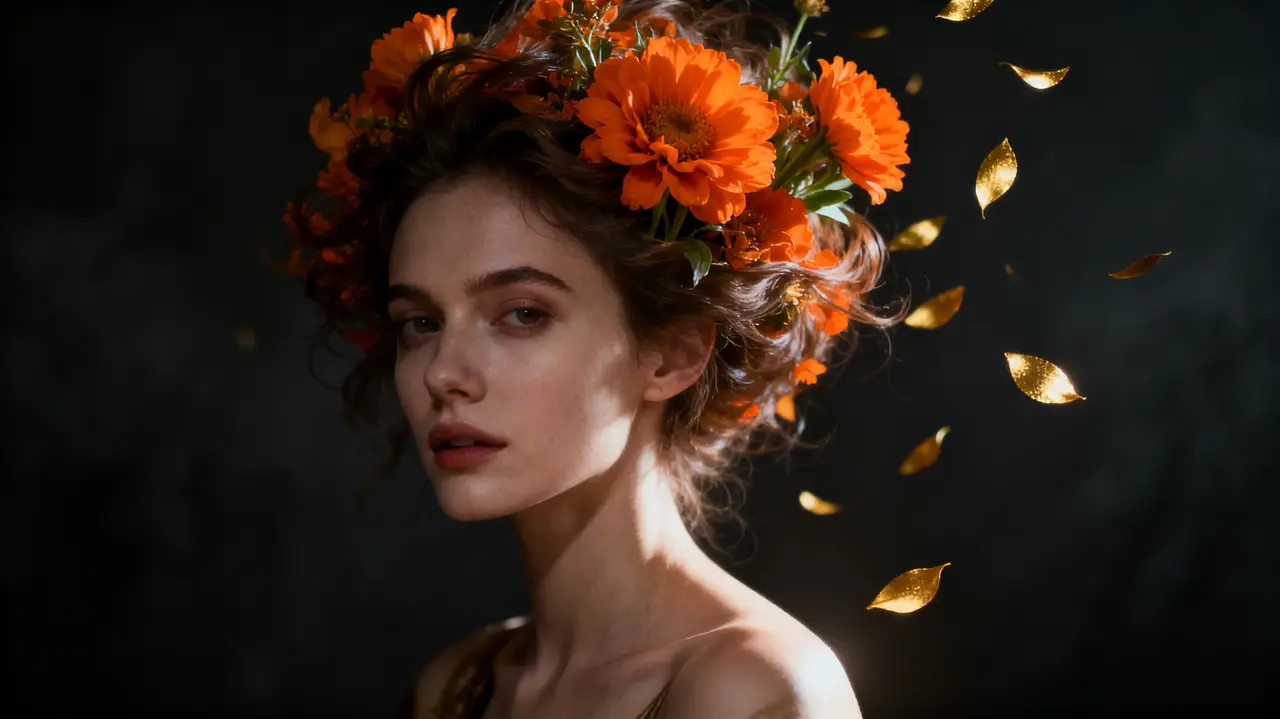
Scene 01 · Write · 1 token
It starts as a sentence.
Type what you see in your head. Seedream turns it into a 2K still and drops it into your media library — this portrait took eleven words and four seconds.
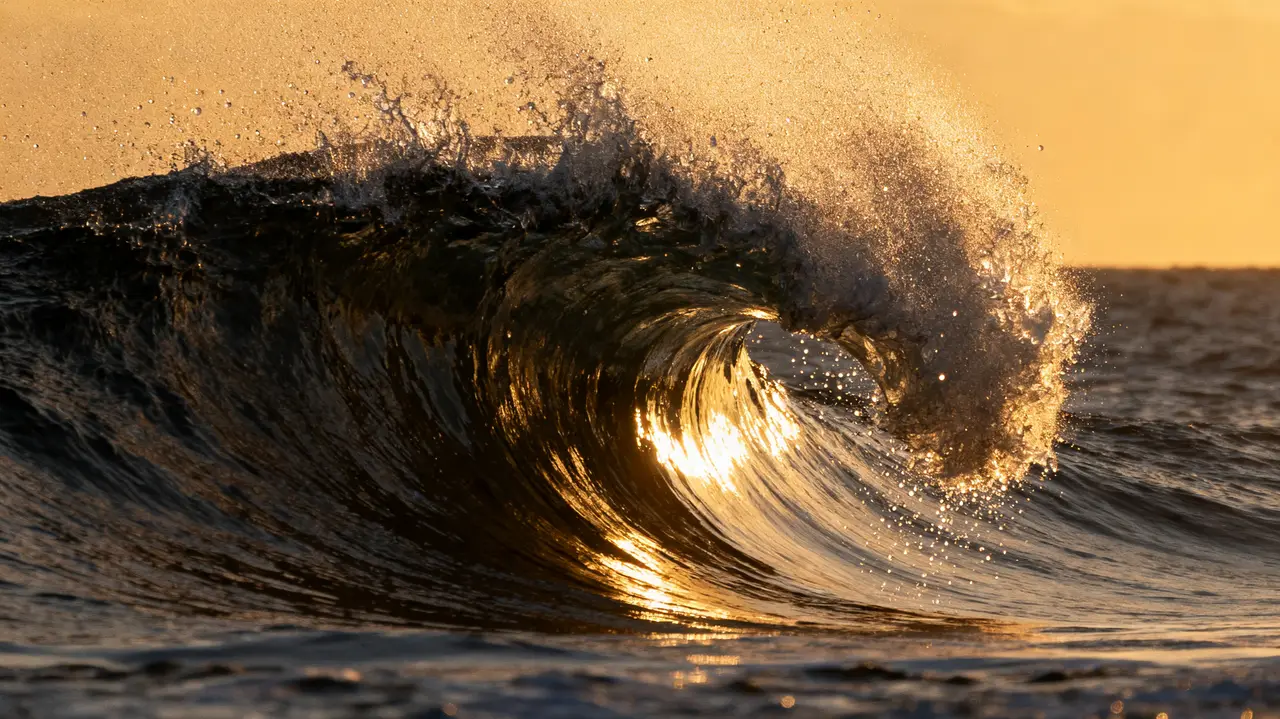
Scene 02 · Motion · 2 tokens/sec, 8 past 15s
Then the still starts to breathe.
Send any image to Kling — the frame you just made or one you shot yourself. Five-second takes, first-frame control, straight to your timeline.
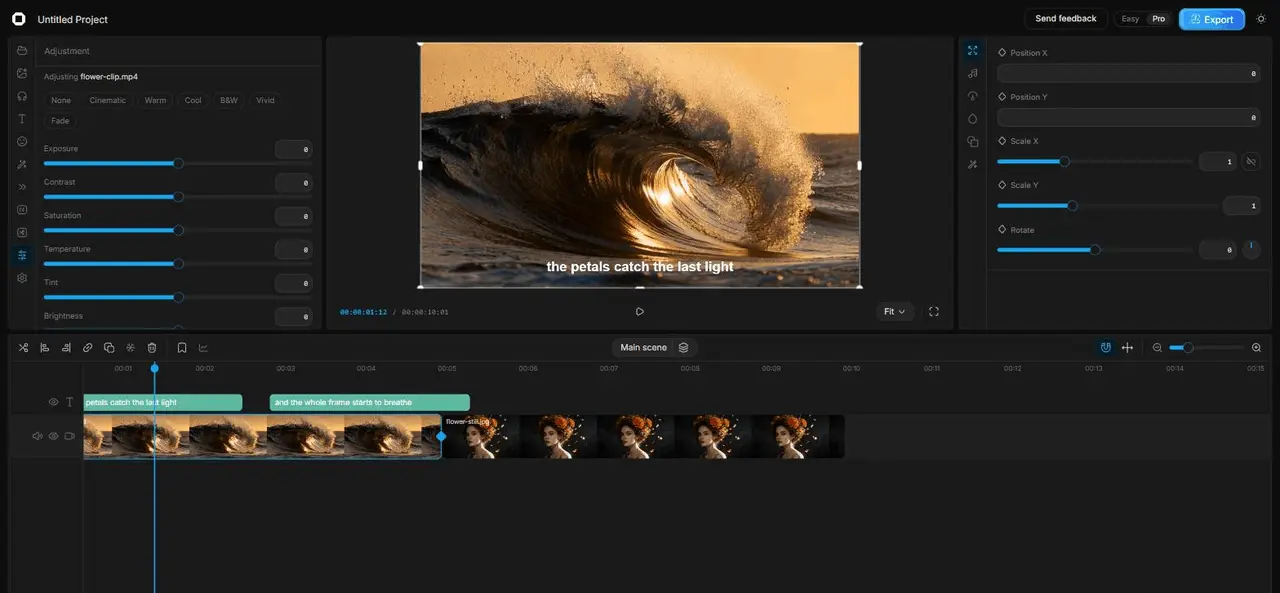
Scene 03 · Cut · Free
Cut it like you mean it.
This is the real editor, not a mockup: multi-track timeline, keyframes, masks, transitions and color grading — desktop-grade editing in a tab. Cutting never costs a token.
Shot on Lucy — actual interface
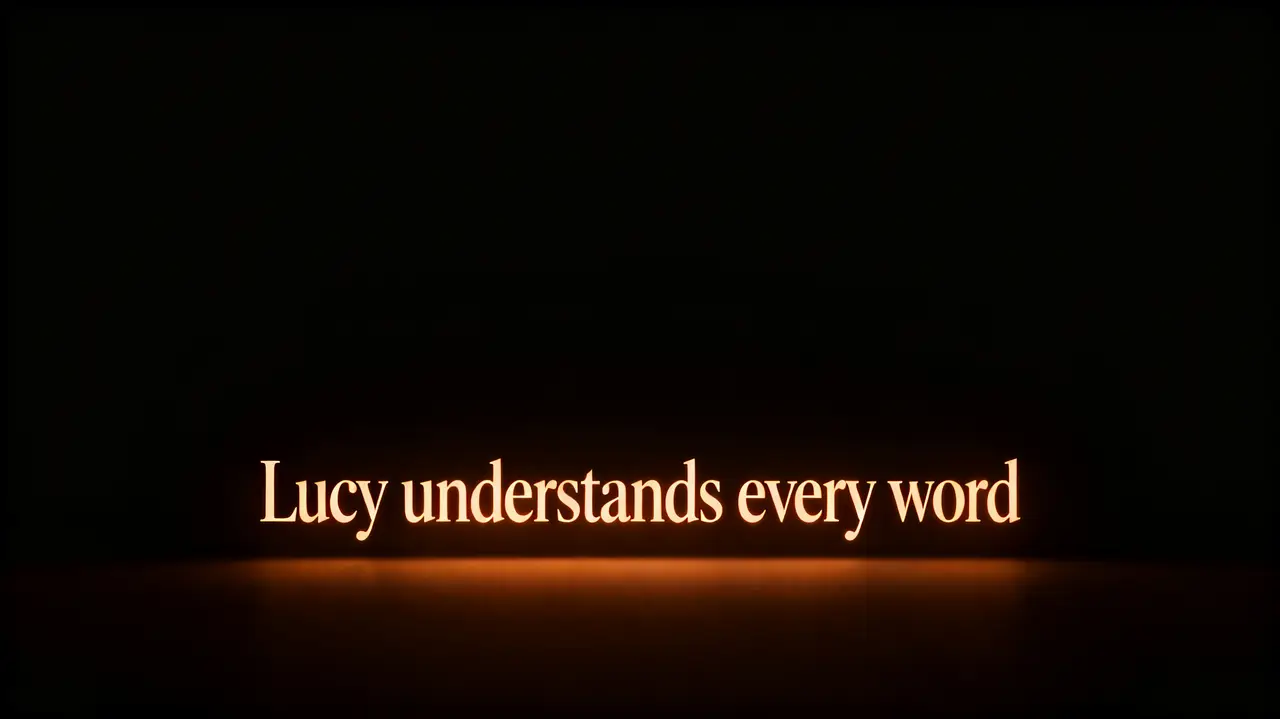
Scene 04 · Words · On-device
Every word lands.
Whisper runs on your own hardware to caption every word — and to find your best moments. No tokens spent, no waiting on a server.
Scene 05 · Sound · Free
Then you hear it.
Score it from a library of real music and sound effects, or take a song you already have and split it into an instrumental and a vocal — on your own machine, nothing uploaded, no tokens spent. It lifts out most of the vocal; on a dense mix you can still hear traces.
Scene 06 · Perform · 2 tokens/sec
Give it a face.
Hand it a photo and up to thirty seconds of audio, and that face speaks or sings it. The price is counted per second and shown before you commit, so nothing arrives as a surprise.
The screen you actually work on
Not a mockup. Three photographs of the editor, part-way through a film.

The whole film, priced before it is bought
Every shot as a frame, the runtime along the top, and what filming it costs — all of it before a single clip is paid for.

One face, held across every shot
A character is a name and up to four reference pictures — the first one decides who they are. Every frame after that is drawn from them, so the person in the last shot is the person in the first.

Nothing is filmed until you say so
A still per shot, a token each, and a confirm on every one. The expensive step waits behind a picture you have already approved.
Real screens, captured from the product. The film in them is a demo, and its frames are this product's own output.